
Do you want to know how to install the ClockworkMod Recovery tool on your Motorola DROID RAZR? If your answer is yes, all of you have to do is to follow a series of steps. But before we’re going to tell you how, there are certain things that you need to do before you start the installation process.
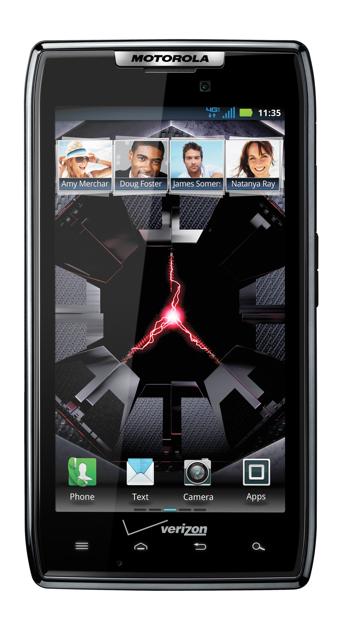
Do keep in mind that you must have a rooted Motorola DROID RAZR and you must create a backup of your important data like your photos, videos, contacts and messages. Like we always say, install at your own risk. We are not liable for any damages. If you are unsure of what you are doing, better ask for help. All set? Scroll down to read the full set of instructions.
Step 1: Download the RazrBootstrap.apk at this link. Save to your computer.
Step 2: Download the CWMOnBoot at this link. Save to your computer.
Step 3: Connect your phone to your computer then copy the files that you have downloaded from the first and second steps and save to the root directory of your phone’s SD card (/sdcard).
Step 4: Go to your phone’s Settings > Applications and check the option for “Unknown sources”. This will enable the sideloading of apps to your phone.
Step 5: Using your phone’s file manager app, locate and select the RazrBootstrap.apk file. This will install the APK to your phone.
Step 6: Run the newly installed app. In the app, choose the option to reboot to recovery mode. Your phone will turn off and will reboot to recovery.
Step 7: In Recovery Mode, select “Install ZIP from sd card” then “Choose ZIP from sd card”. Locate and select the CESRAZR-CWMOnBoot-Global-J.Y.Daddy.zip file. The file will be flashed to your phone. Wait until the process completes. Once done, reboot your phone.
Step 8: After reboot, run the Super User app. In the app, set the RazrBootstrap app’s status to “Denied”. This is a very important step. If you skip this step, there’s a possibility that you will not succeed with the installation.
Step 9: Reboot your Motorola DROID RAZR to normal mode. To do this, select the reboot option from the recovery menu.
If ever you get stuck in the boot loop, just hold the Volume Down key while pressing the Power button for at least 5 seconds.




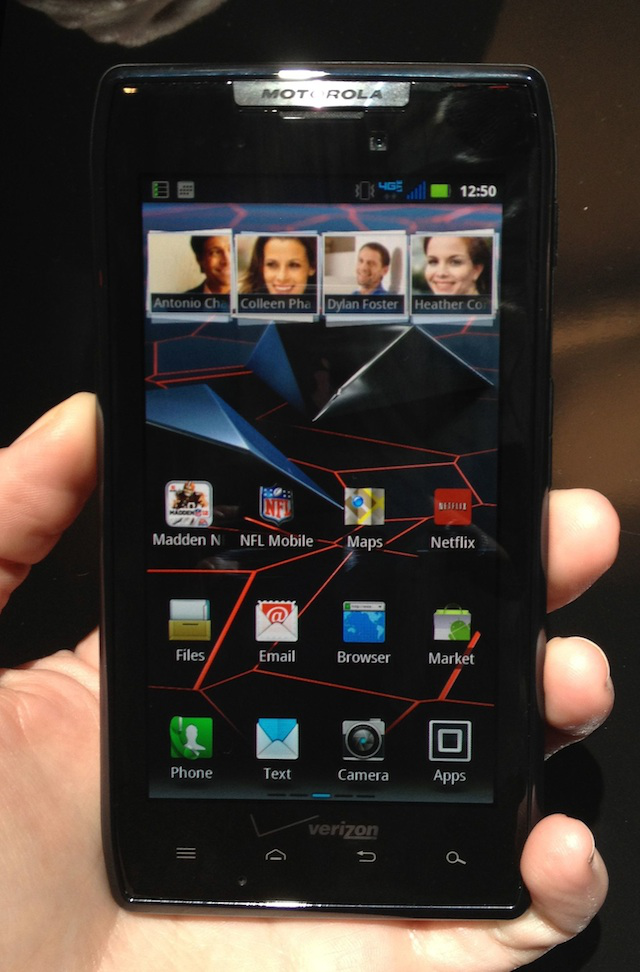




I downloaded the two files and placed them on /sdcard. I installed RazrBootstrap.apk. When I ran it, it has two options: Bootstrap Recovery and Reboot Recovery. The first time I ran it, I chose Reboot Recovery, the phone rebooted and I got the alert triangle exclamation and the droid icon. I pressed Vol up + Vol down and I got Android System recovery menu. There was no option to install zip from sdcard. So I rebooted and ran RazrBootstrap again. This time I chose Bootstrap Recovery. A success message appeared. Then I hit Reboot Recovery - the phone rebooted and I was in Clockwork Recovery. When I chose install zip from sdcard, the CESRAZR-CWMOnBoot-Global-J.Y.Daddy.zip was not visible. I figured out that my razr uses /sdcard for the internal phone storage and /sd-ext for the sdcard stuff. I copied CESRAZR-CWMOnBoot-Global-J.Y.Daddy.zip to /sd-ext, restarted the whole process. This time, it worked. I was able to see CESRAZR-CWMOnBoot-Global-J.Y.Daddy.zip on the sdcard and installed it. I rebooted a few times - Clockwork didn’t seem to work. Then I remembered I did not deny root permissions to RazrBootstrap. I denied RazrBoorstrap root and rebooted again. This time holding down power and Vol down, I got Clockwork Recovery!